
Examplary changelog
Grading schemes for tests
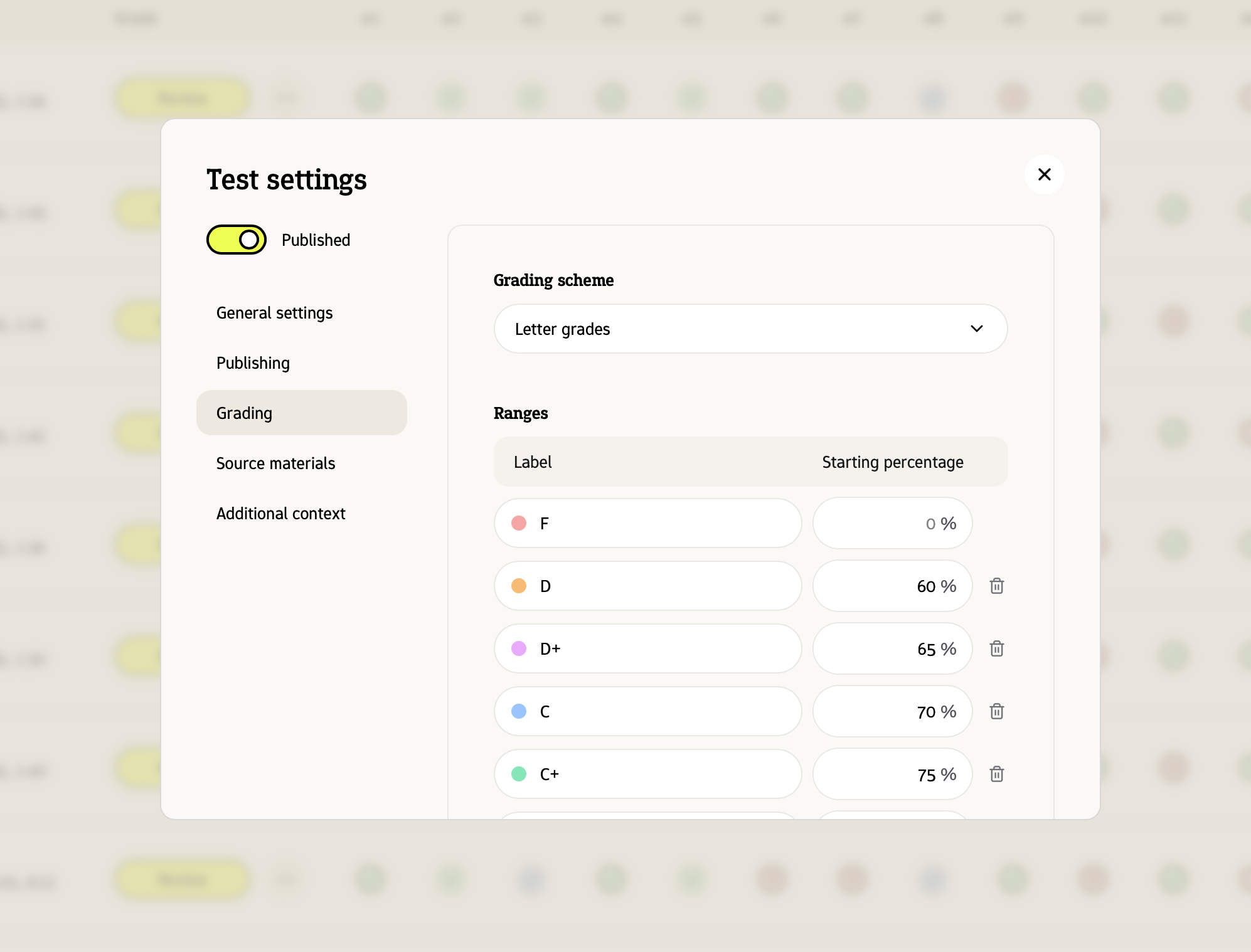
You can now select how your test should be graded. Use any of the pre-defined grading schemes, or build a custom one.
Direct feedback for students
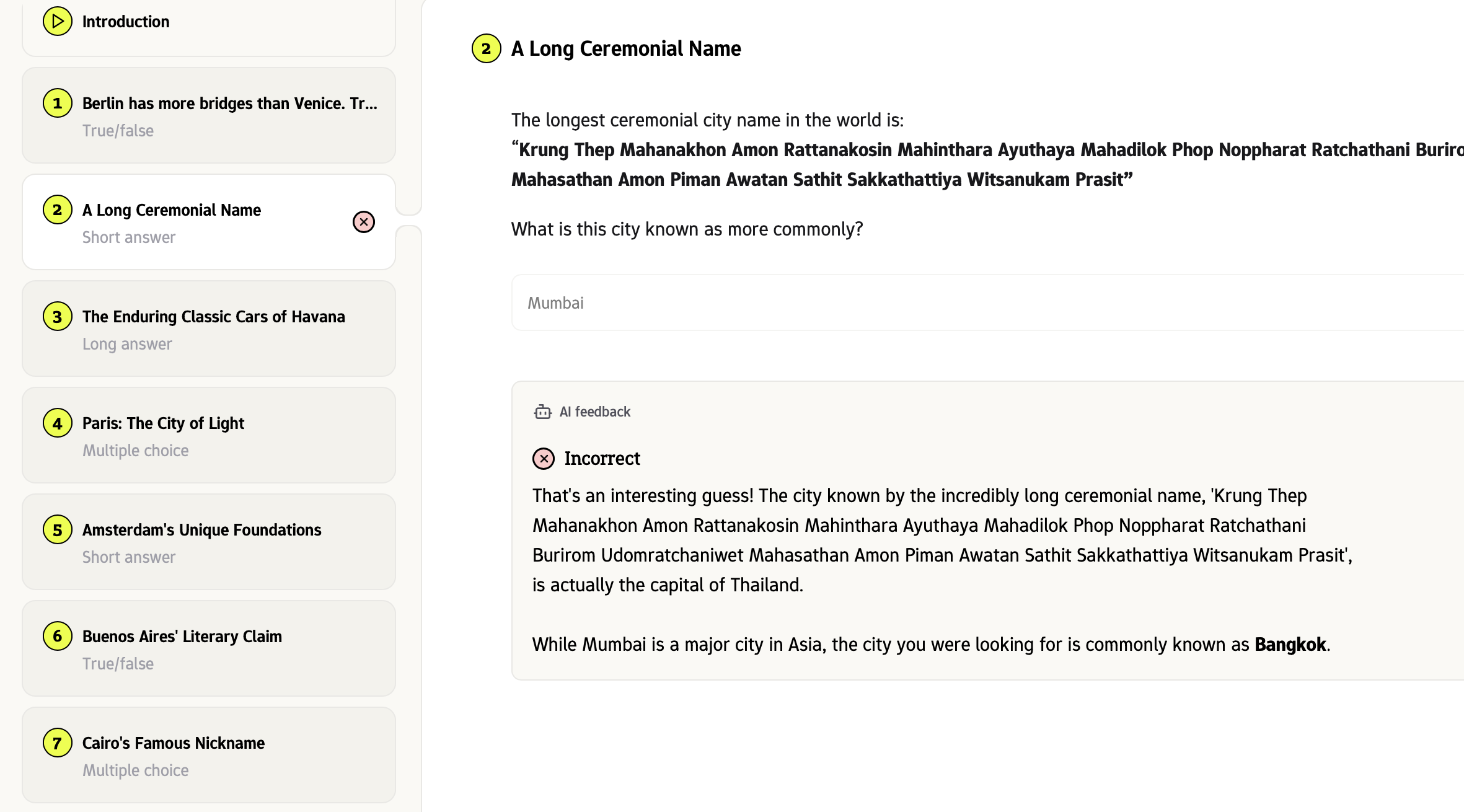
You can toggle 'direct feedback' for any (practice) test, so that Examplary gives immediate feedback to a student's answer based on the learning materials.
Answers document scanner
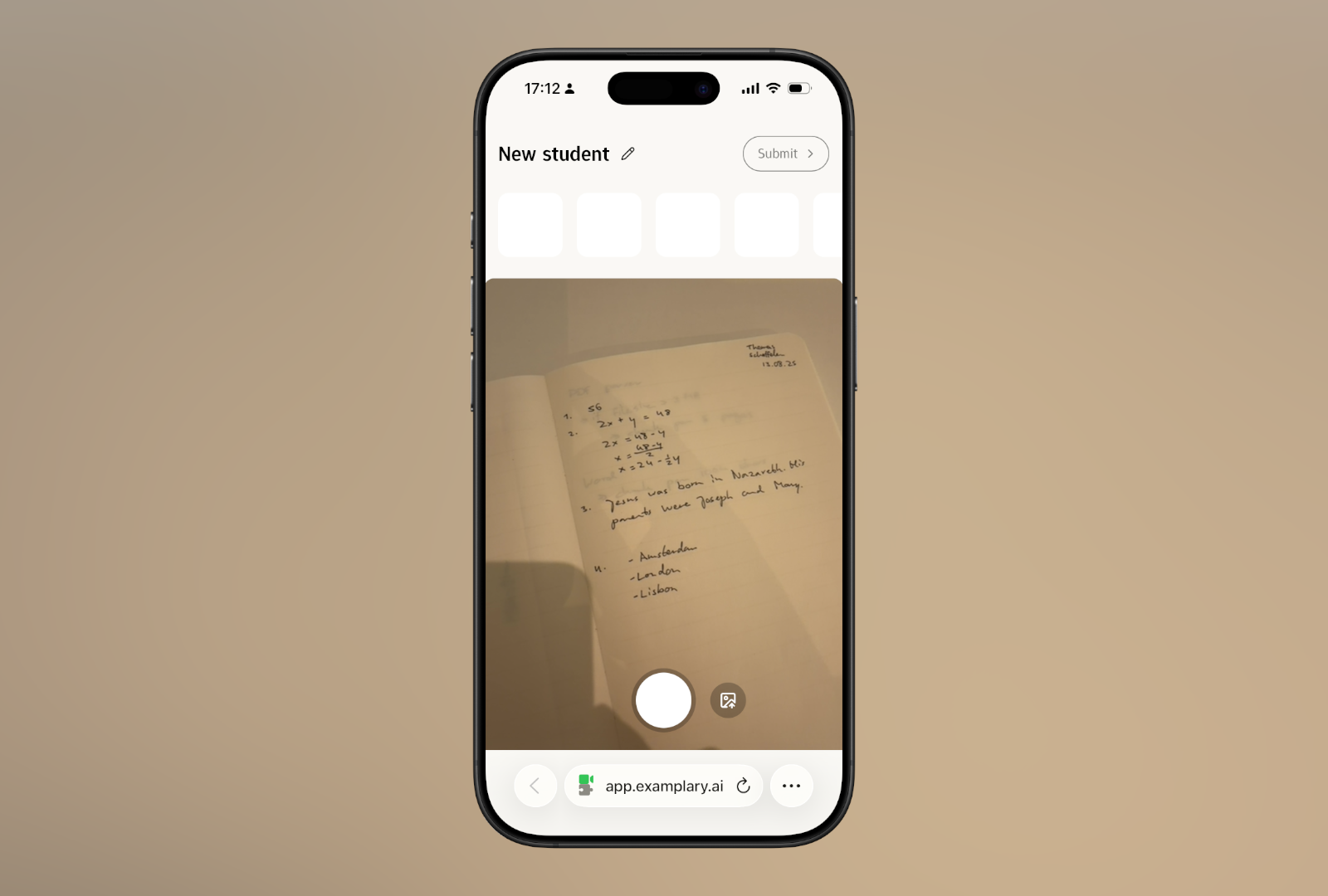
Click 'Scan student answers' to scan written answers from students. This allows you to apply AI grading suggestions, even if your students took the test on paper.
AI grading & Feedback
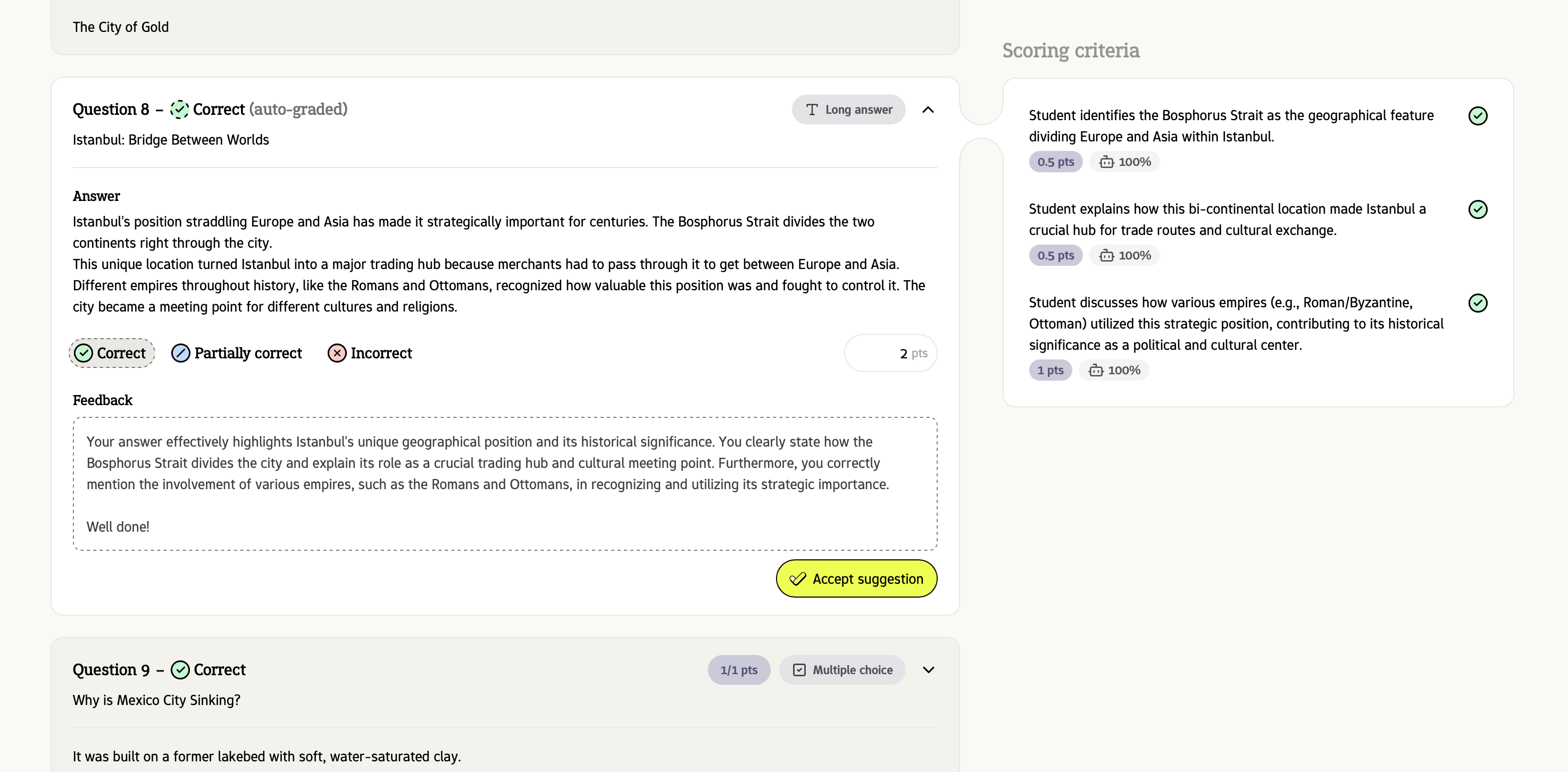
AI grading is now live! For open questions, like short answers and essays, Examplary's AI now makes it easy to grade by providing suggestions for points and feedback.
Simply click 'Accept suggestion', or use the feedback provided by the AI as a basis for your own student feedback.
Custom question types
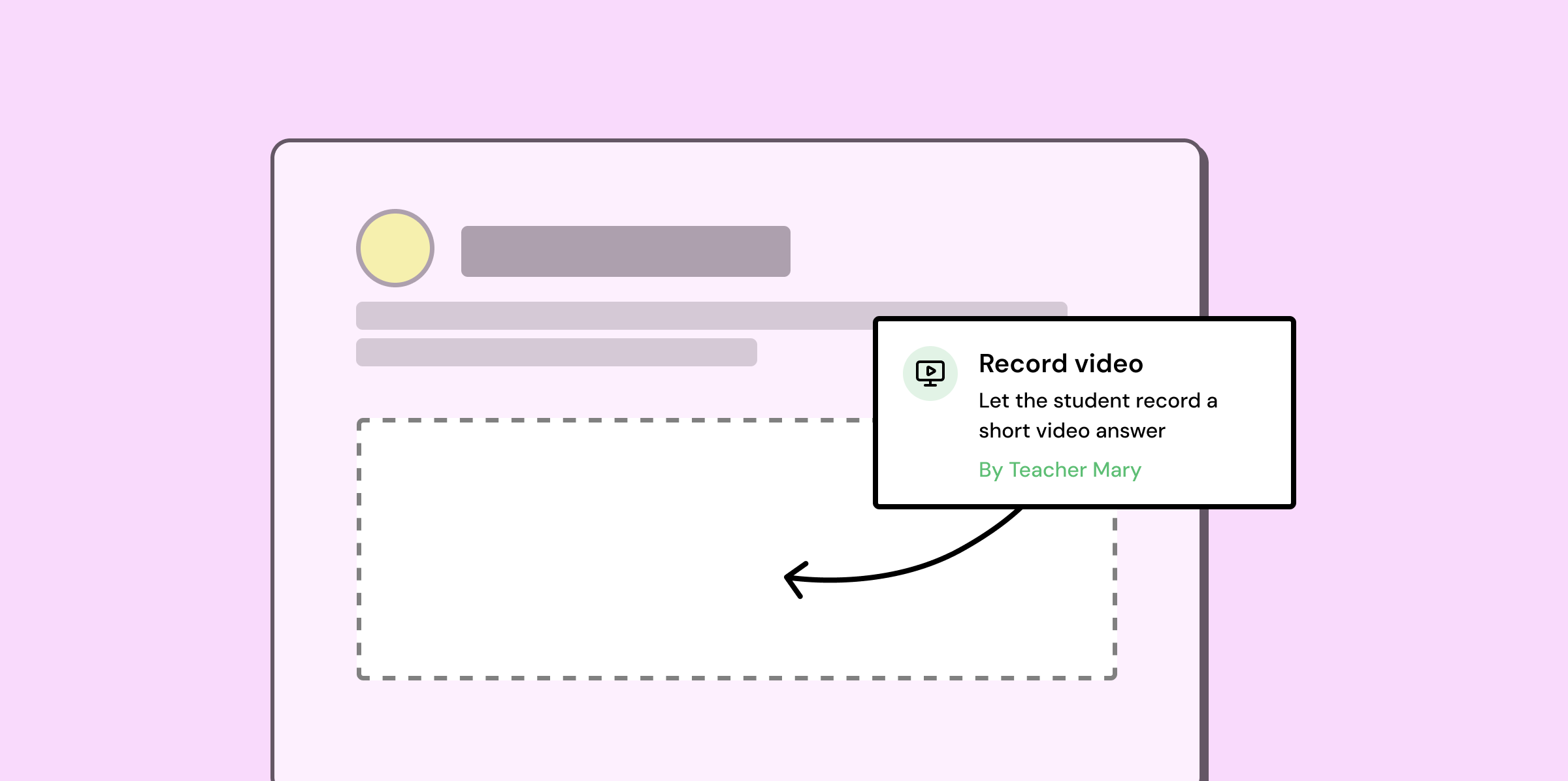
It's now possible to develop your own custom question types for Examplary! This allows developers to build assessment custom experiences on top of the Examplary platform with ease.
Read more on our blog or in the developer documentation.
Safe Exam Browser integration
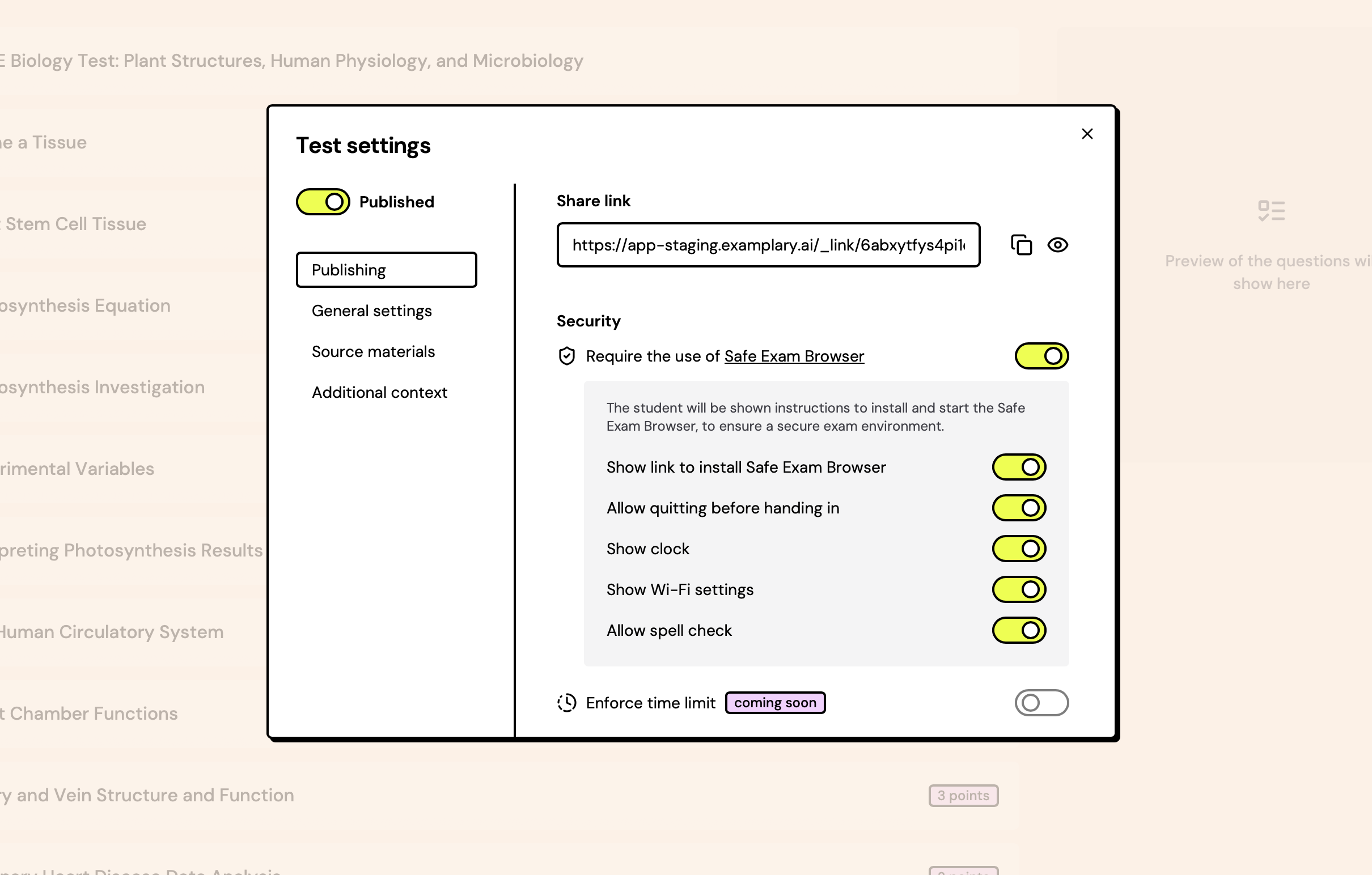
Safe Exam Browser is a web browser environment to carry out e-assessments safely. The software turns any computer temporarily into a secure workstation.
For any Examplary test, you can require the use of Safe Exam Browser and set limitations on what a student can do whilst they're taking the test.
You can still send the link to the student as per usual – they'll be shown a message with instructions to download Safe Exam Browser if they open the link in a normal browser.
CSV export of student answers
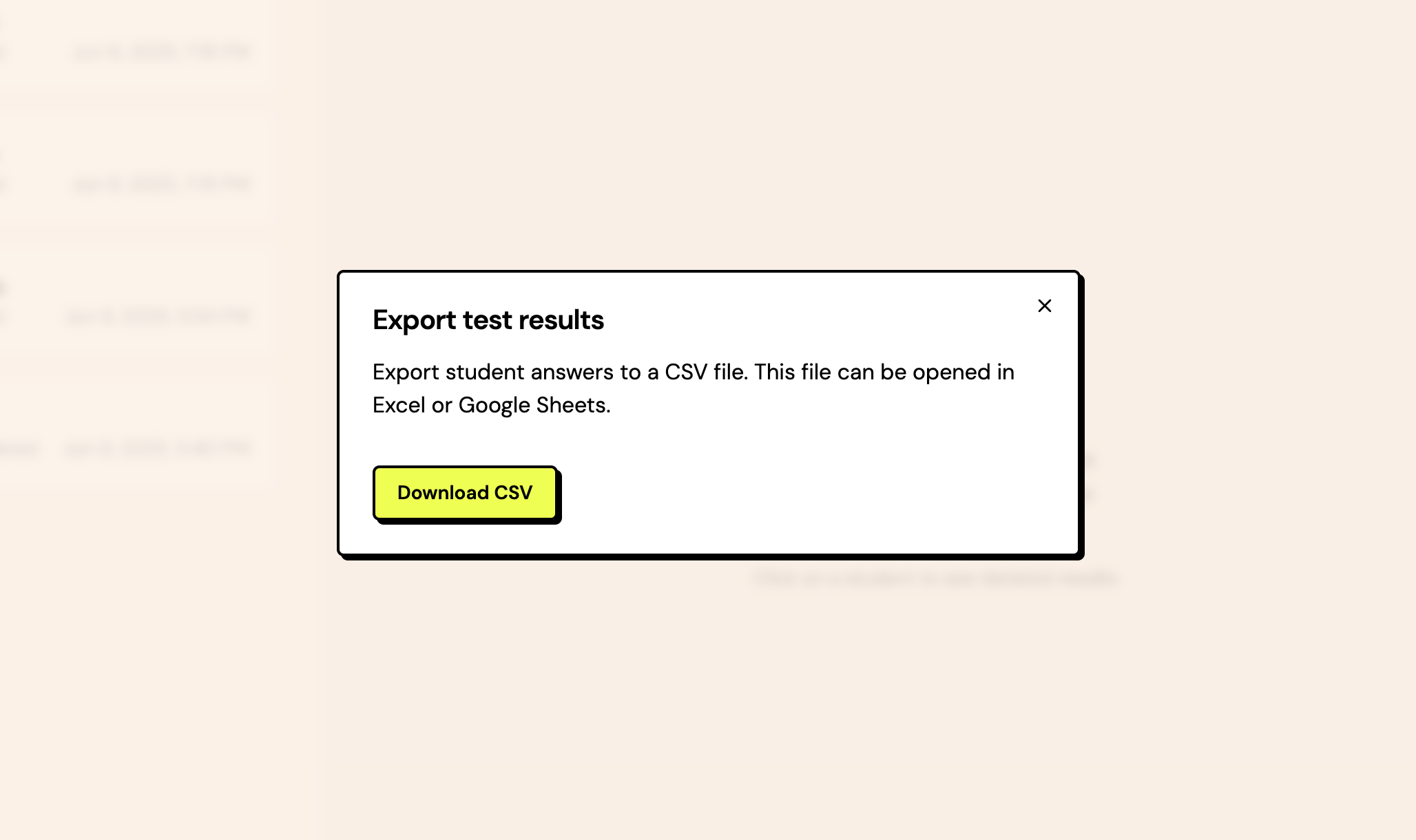
You can now easily export student test answers as a simple CSV file, to easily analyse answers in Excel or Google Sheets.